
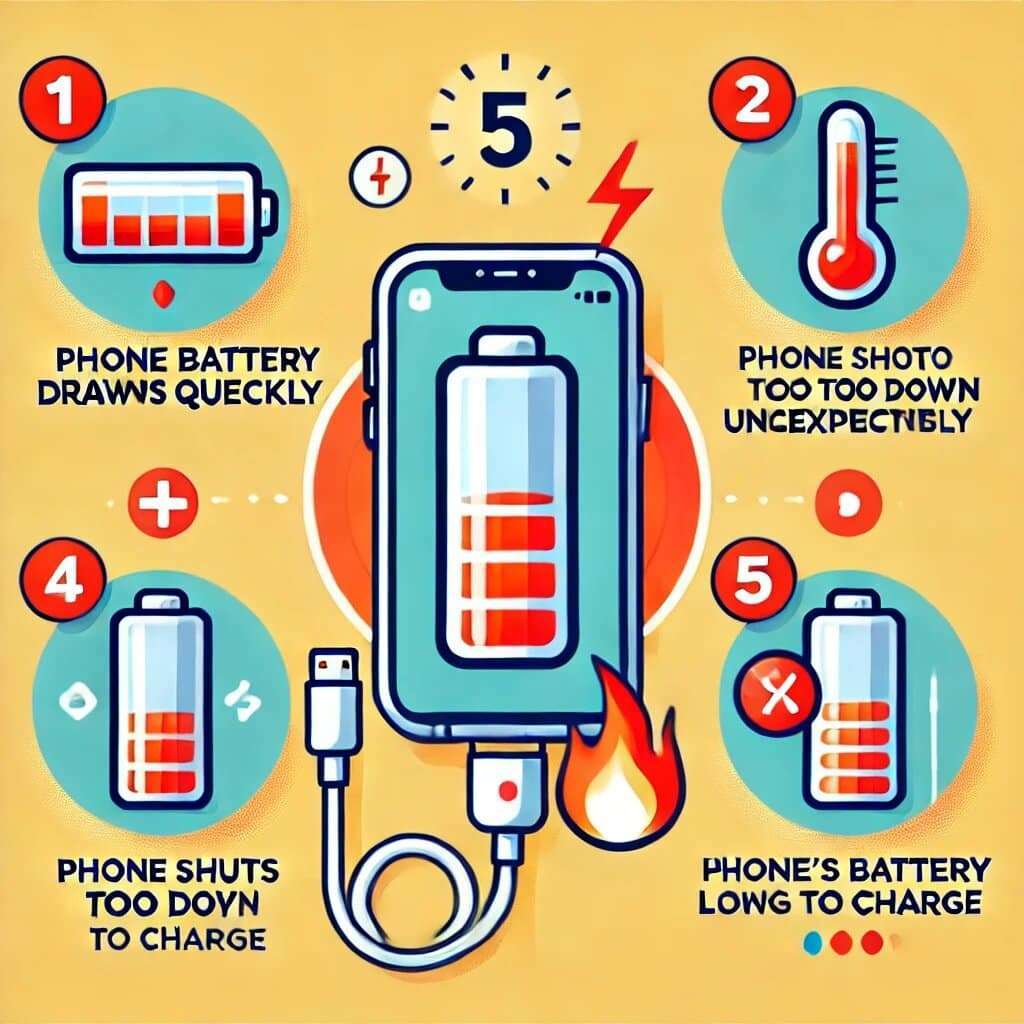
Phone randomly switching off mid-call? Showing 50% one minute and dead the next? Stuck at 1% no matter how long you charge it? You’re almost certainly looking at a dying battery — not a software bug, not a charger fault, and definitely not something a factory reset will fix.
After replacing thousands of phone batteries at our Golders Green workshop, we’ve seen the same five symptoms come up again and again. Here’s how to tell whether your phone genuinely needs a new battery — and roughly what it’ll cost to put right.
Why Does My Phone Keep Shutting Down By Itself?
Lithium-ion batteries don’t fail gradually in a straight line — they fail in spikes. As the cell ages, its internal resistance climbs and it can no longer deliver the burst of current the phone needs to handle peak loads (camera, GPS, 5G, gaming). When demand exceeds what the cell can supply, the phone’s safety circuit forces a hard shut-down to protect the chipset. That’s why it dies at 30% in the cold, or after a single photo, but seems “fine” sat on the home screen.
Apple, Samsung and Google all start throttling performance once battery health drops below 80%. Below 70%, random shutdowns become routine. Below 60%, you’re on borrowed time.
1. It Shuts Down Even With Charge Left
The clearest signal of all. The phone shows 30%, 40%, even 50% — then black screen. Plug it in and it boots straight back up showing the same percentage it died at, or even higher. This is a textbook voltage-sag failure. The cell can’t hold its rated voltage under load, the phone’s protection circuit sees that and pulls the plug. Diagnosis: failing battery, replacement needed.
2. It Only Works When Plugged In
Phone is dead the moment you unplug, even after a full charge. This often gets misdiagnosed as a charging port problem, but it’s almost always the battery — the cell has lost so much capacity it can no longer hold any meaningful charge, so the phone is effectively running directly off the wall.
3. It Drains From 100% to Empty in Hours
You charged it overnight, light usage during the day, and by lunch it’s at 20%. Healthy batteries on a modern phone should comfortably last a full day with moderate use. If yours is dropping 10% per hour while idle, that’s not screen brightness or background apps — that’s a worn cell with high self-discharge.
4. It Gets Hot Doing Nothing
Phone warm in your pocket while it’s locked? Battery hot to the touch on the charger? An aging cell wastes more energy as heat as its internal resistance rises. Persistent unexplained heat is both a battery-health red flag and a safety concern — heat accelerates the next stage of failure: swelling.
5. The Back or Screen Is Lifting
Stop using the phone immediately. Battery swelling means gas is building up inside the cell, and a swollen battery is a fire risk in your pocket. The back panel will start bowing outward or the screen will lift from the frame at the corners — sometimes you can slide a fingernail under it. Don’t try to charge or use the phone. Bring it in the same day.
How Much Does Battery Replacement Cost?
For most phones, less than you’d think:
- iPhone (iPhone 11 to iPhone 15): from £39, fitted while you wait, 30–60 minutes
- iPhone 16 / 16 Pro / Pro Max: from £49, same-day
- Samsung Galaxy S series / Note / Z Fold: from £49, same-day
- Google Pixel and most Android flagships: from £49, same-day
All replacements use high-grade cells, are tested under load before you collect, and come with a 12-month warranty. Compared to £700+ for a new phone, the maths is obvious — unless your phone is more than 4 years old, replace the battery.
What To Do Next
If any two of the five signs above match what your phone is doing, it’s a battery — every time. Walk in to While You Wait Repairs at 91 Golders Green Road, NW11 — no appointment needed. We’ll test the battery health on the spot, give you an honest answer, and most batteries are swapped while you grab a coffee next door.
We cover iPhone, Samsung Galaxy and all major Android brands. No fix, no fee.



0 Comments